
Creating Product
Product is an individual Game or DLC.
Basic Information
•
A Product is each “unit of sale” offered to a user.
•
In addition to the main game, DLC (some expansions), content such as OST, art books, etc. are defined as one Product.
•
Multiple Products can be registered within a single Project.
•
The name of the Product should be clearly written in a user-recognizable configuration.
Setting up Product

For DLCs, first create as a game, then connect the created one to the main game.
For contents, such as OST, Artbook, wallapers, or MODs, create as a utility, then connect to your main game.
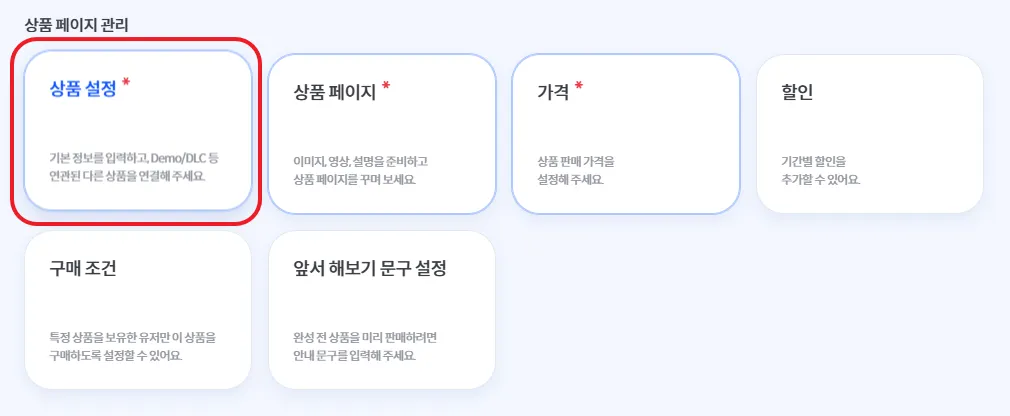
•
After filling in the basic information and completing product linking according to the instructions below, click the Save button.
◦
If the product has already been released, the Save button will be replaced with Apply LIVE.
•
When saving the Product Settings for the first time, if Multilingual Settings have not been configured, the settings window will open automatically.
◦
Enter the content manually for each language and click Save.
◦
If there is no content to enter manually, click AI Translate All and then save.
◦
If an error occurs in the translation results, edit the text in the language tab marked with a red exclamation icon, then click Save again.
•
When modifying Product Settings information, be sure to click Save (or Apply LIVE).
◦
When editing Basic Information, the Multilingual Settings window does not open automatically.
◦
After making changes, check Multilingual Settings located at the top-right of the Basic Information section before saving.