

Content Modification Report
•
After checking the updated content, click the Proceed with Rating and Build Review button.
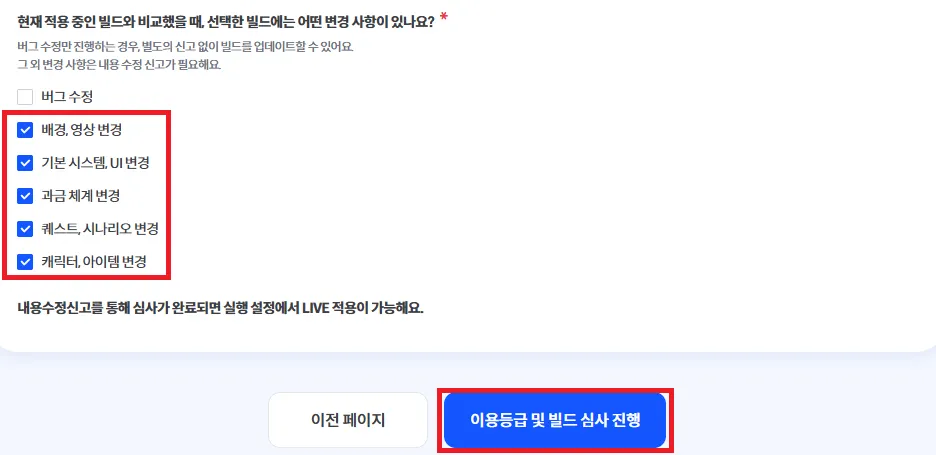
•
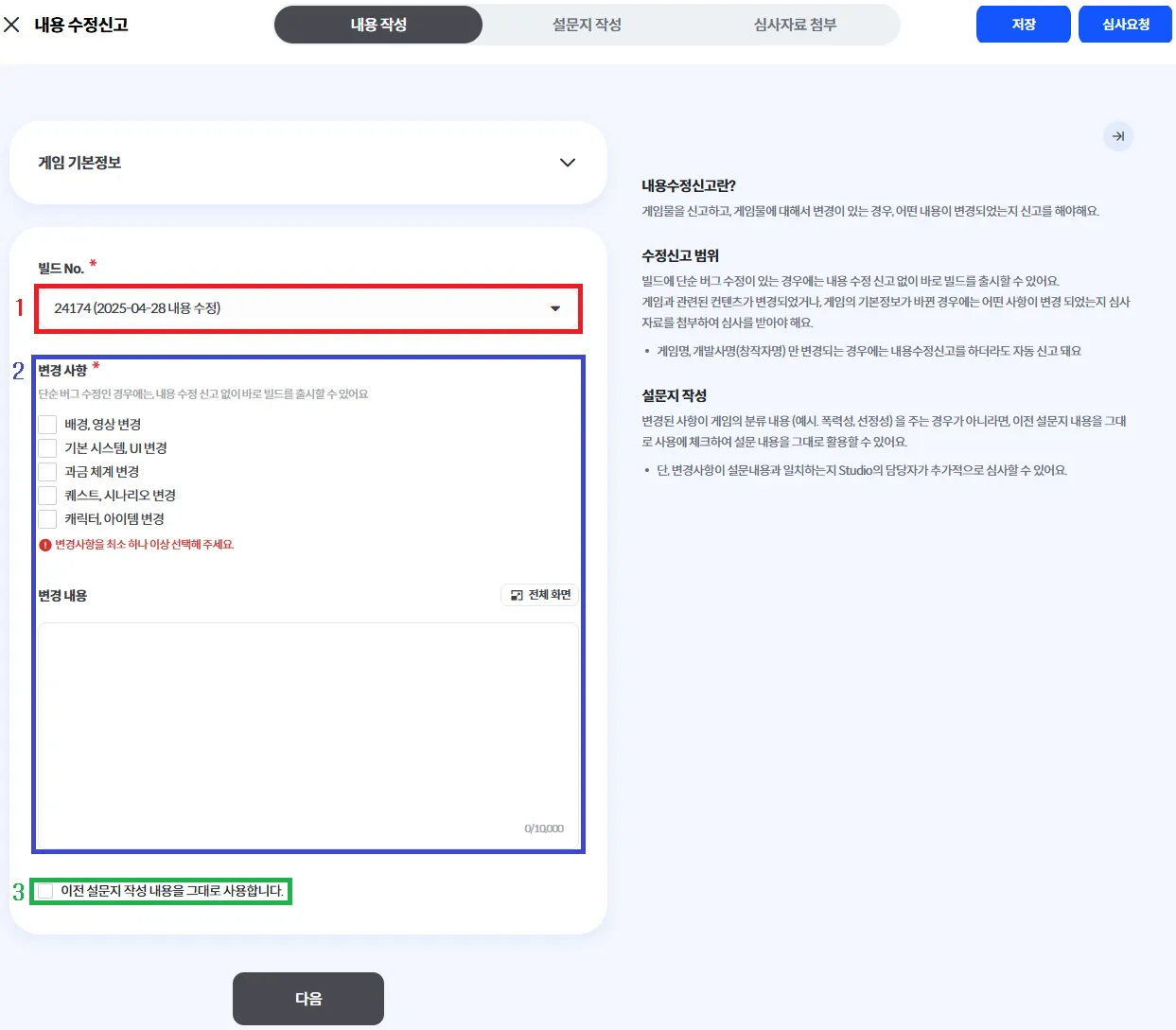
Content Modification Report
1.
Select the build for which you want to submit a content update report.
2.
Check the relevant items and enter the details of the changes.
3.
If the updated content is identical to the previous survey responses, check the corresponding box.
a.
If the updated content differs from the previous survey, click Fill Out Survey at the top.
•
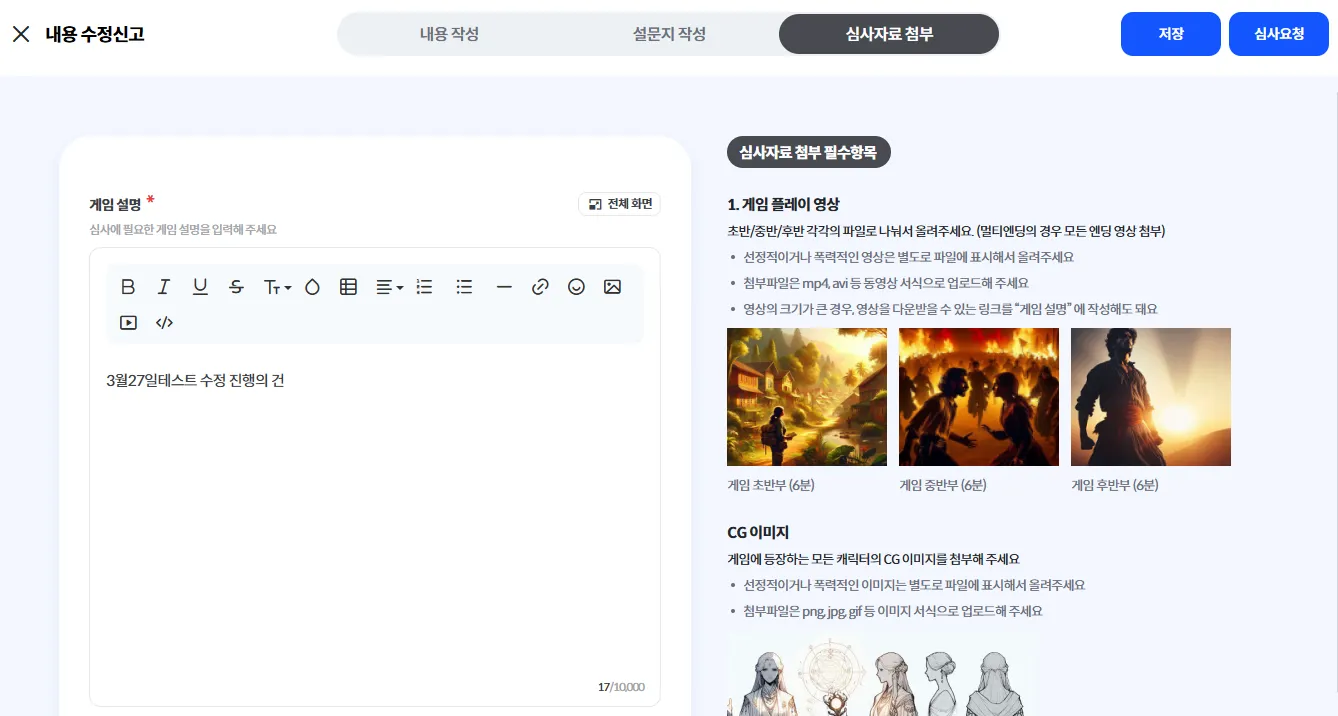
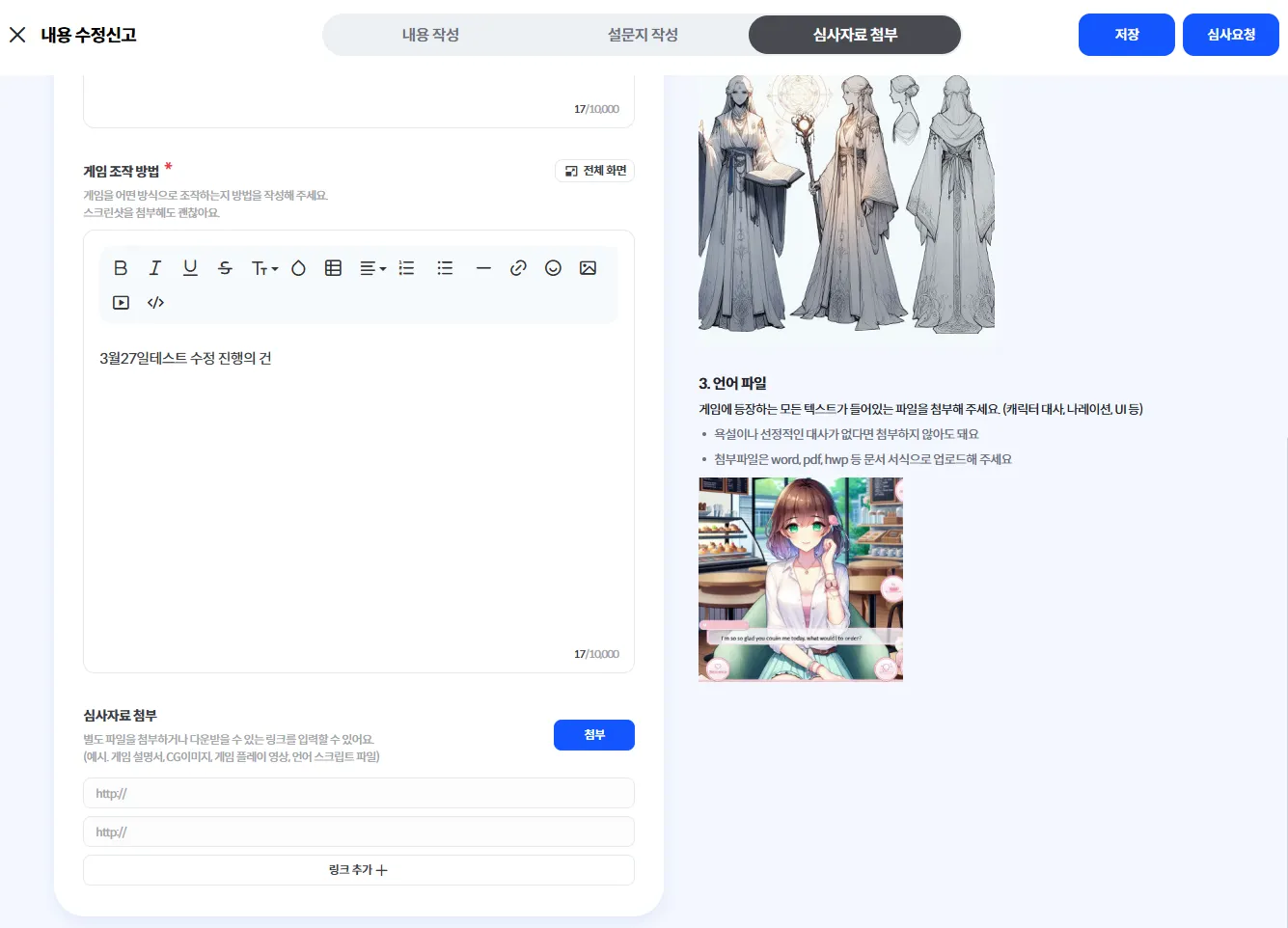
Attach Review Materials
◦
Attach the necessary materials for the review, including the game description, gameplay instructions, and other required documents, then click the Request Review button at the top right.
▪
The review process typically takes 2 to 4 business days.
•
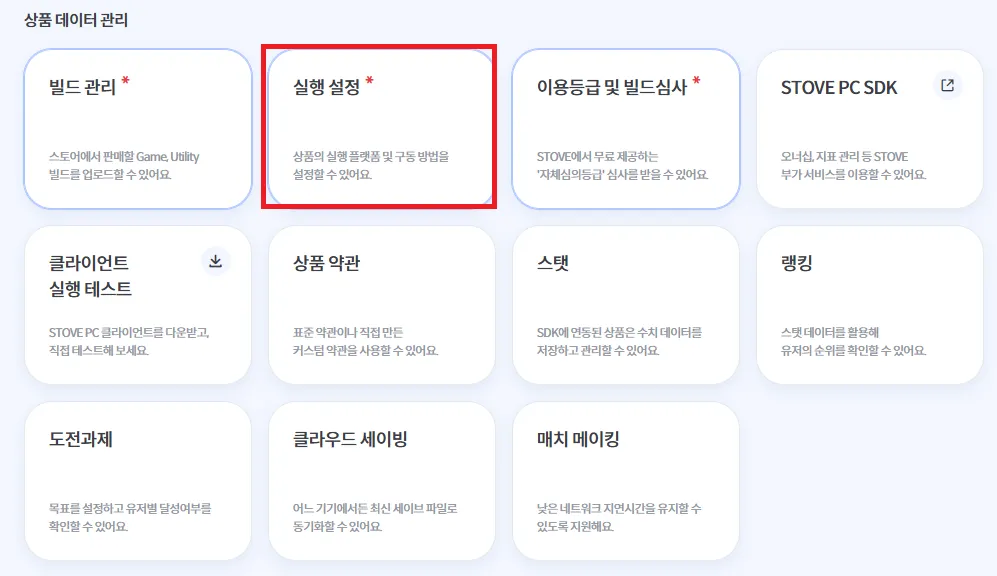
After the content update review is completed, go to Product Data Management and click Execution Settings.
•
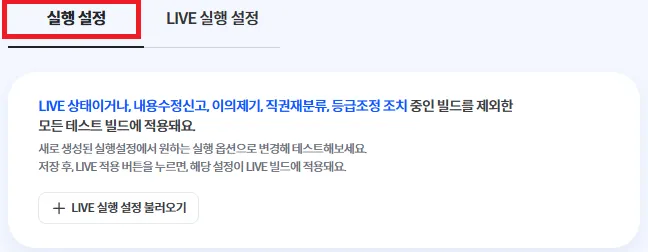
Click Execution Settings and review the updated details.
◦
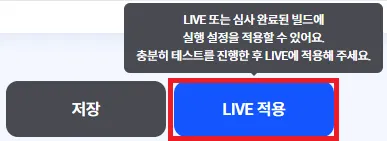
If there are no issues, click the Apply to LIVE button at the bottom.
•
Select the build to be applied to LIVE, choose either Immediate or Scheduled, and then click the Apply to LIVE button.