

STOVE Studio Registration
This page explains how you can sign up to STOVE Studio.
We recommend to proceed with registration with your representative account. (or official account)
1. Sign up to STOVE (Creating STOVE Account )
•
STOVE Studio requires a STOVE Account,
◦
•
We suggest to create with E-mail Account
2. Sign up to STOVE Studio
2.1. Go to STOVE Studio, login, and click Get Started with STOVE Studio
•
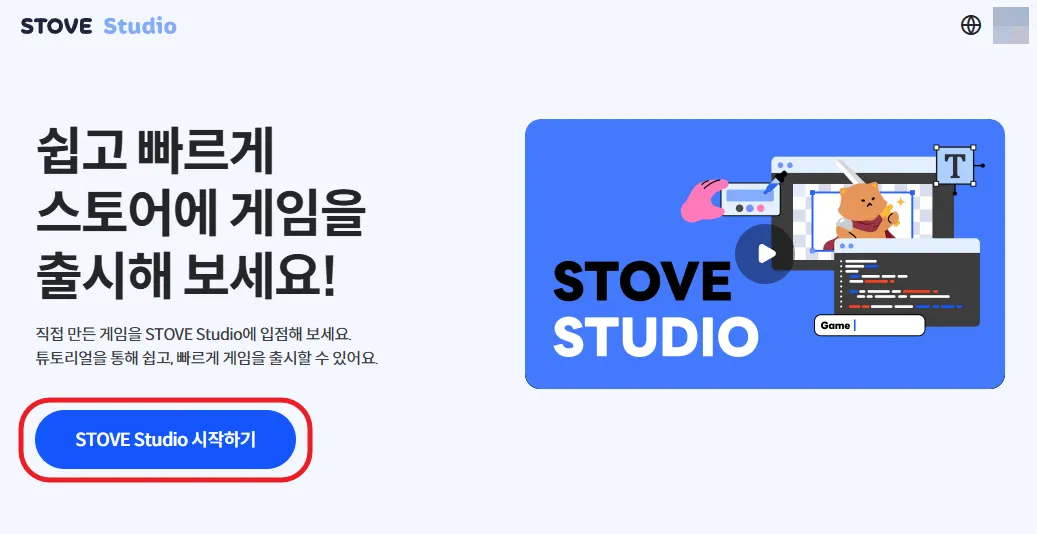
2.2. After clicking, proceed into registration, follow the steps.
•
Agreeing to STOVE Studio Terms of Service means that you are entering into the service agreement. Therefore, please make sure to read the Terms of Service carefully.
•
If you do no agree to terms of service, you will not be able to enter STOVE Store, and cannot release your games through STOVE Store.
Check Screenshot
2.3. Create Group / Check Invite Status
•
You can now create your group, and check invitation status
◦
◦
Check Screenshot