


Accept Invites
If you have received an invitation link to join a
Group or Project, you can complete the registration by following the steps below.
1. Click the Invitation Link and Log in to STOVE Studio
※ If the invitation link is accepted successfully, you will see a pop-up like the one below.

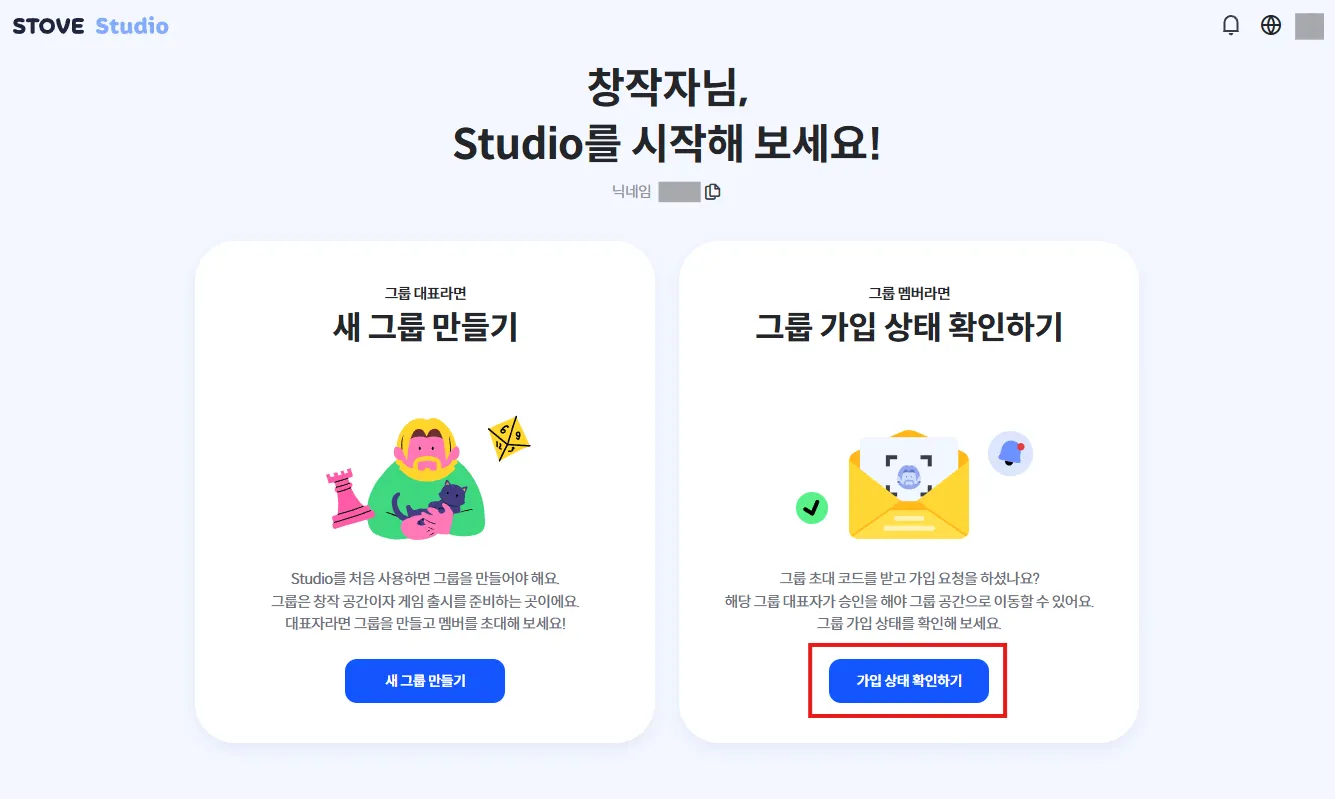
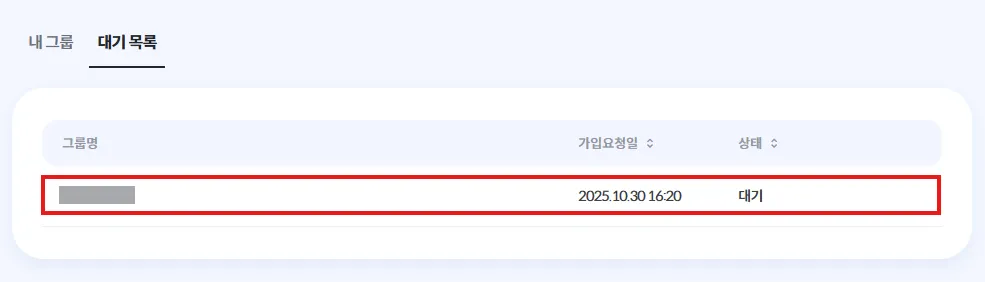
You can check the name and join status of the group you applied to by clicking Check Group Join Status on the right.
2. Approval and Permission Assignment by the Inviter
※ After the inviter approves your request, please make sure that menu permissions and product permissions are also assigned.
If menu and product permissions are not configured, you will not be able to view or access the invited project.